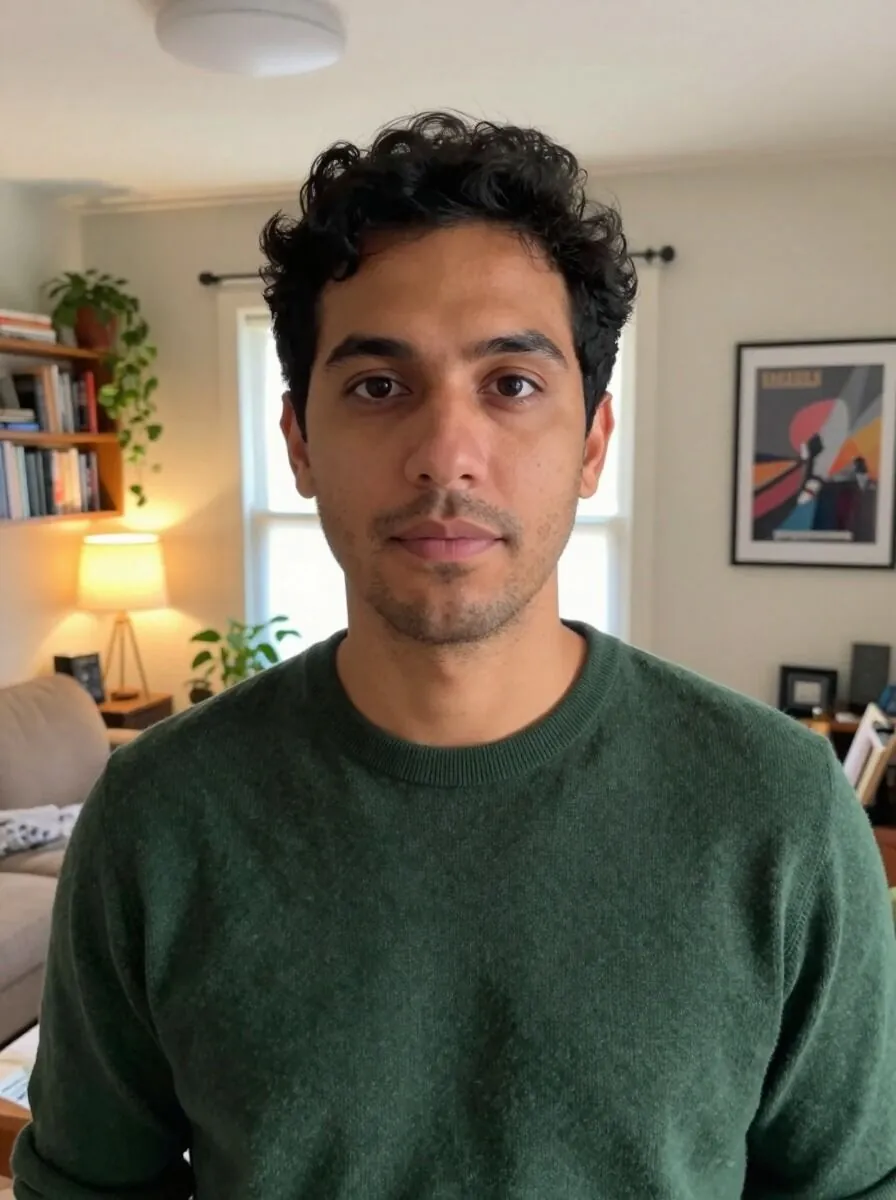
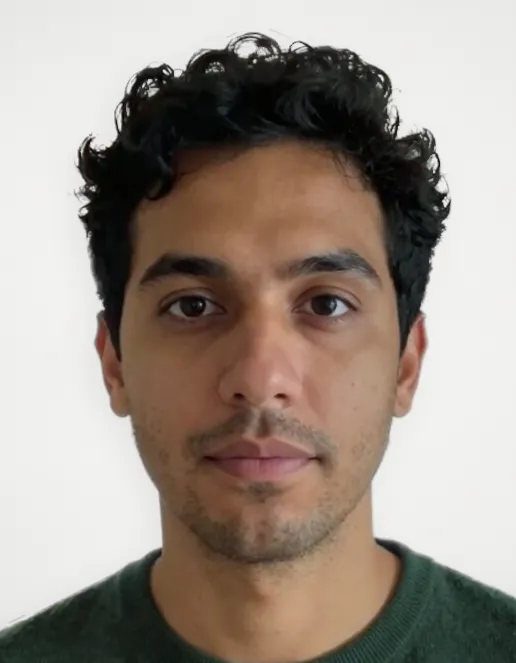
Choose a photo of you taken at home, type your full name, and get a 2x2 picture with a name tag back: face centered, the room replaced by a plain off-white background, and your name on a white strip under your face, sized to fit. It also makes the 1x1 picture and the passport size, 35x45 mm. One download every 24 hours is free across the tools on this site.
How to make a 2x2 picture with a name tag
- Choose a photo of you facing the camera, head and shoulders, or drop it on the page. Drop another one any time to replace it.
- Type your full name in the name tag field. It starts large and gets smaller as you type so it stays on one line; a very long name goes onto two lines.
- Pick 2x2, 1x1 or passport size and download a JPG at your photo's own resolution, never enlarged.
What the name tag looks like
The name tag is a white strip across the bottom of the picture with your name in black, centered. It sits inside the picture's size: a 2x2 picture stays 2 by 2 inches, with your face framed in the part above the strip. Type your name the way your application asks for it, for example with your middle name or middle initial, in capital letters if the instructions say so.
Who asks for a picture with a name tag
Many applications in the Philippines ask for an ID picture with a name tag under the face: PRC board exam and licence applications are the best known, and some schools, employers and review centers ask for the same. Each one sets its own size, background and way of writing the name, so read the instructions of your application before you print.
2x2, 1x1 and passport size
The tool finds your eyes, chin and the top of your hair, levels your head and sizes it to each picture. In the 2x2 and the 1x1, your head and shoulders fill the part above the name tag the way a studio frames them. Passport size is 35x45 mm, the size forms mean when they ask for a "passport size picture". If the photo has more than one face, or none the tool can find, click or tap yours.
How to take the photo at home
- Face soft light, such as a window in daytime, so neither side of your face is in shadow.
- Stand a step in front of a plain wall, so your hair and shoulders separate from it.
- Have someone hold the phone at eye level, about a meter and a half away, with the main camera rather than the selfie one.
- Look straight at the camera with a neutral expression, eyes open, ears and face uncovered, and your head and shoulders in the picture.
A plain white background
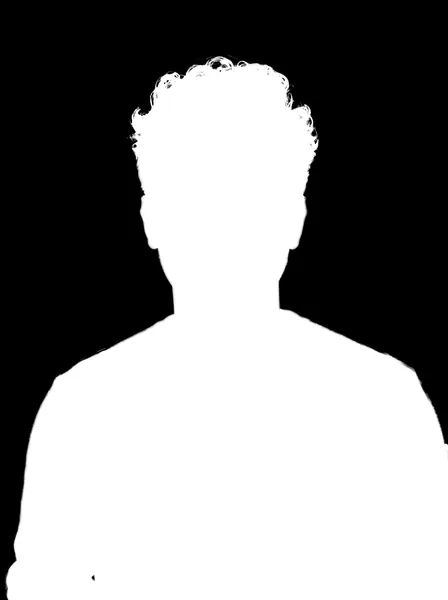
The tool keeps you, hair included, and replaces the room with an off-white background with a soft shadow, so the picture looks taken against a wall rather than cut out. It is not flat pure white, and other background colors are not offered.
Where an edited photo is not accepted
Your passport photo is taken by the DFA at your appointment, so this tool is not for the passport itself. Some offices refuse any photo edited by software or taken at home. Check the rules of the office that will receive your picture.
Limits
It makes one picture per download, not a sheet of copies to cut. The name tag holds your name only, in one or two lines. It needs a photo with a person in it. Hair against a wall of the same color can lose a few fine strands.
Common questions
Is this 2x2 picture maker free?
Yes. One download every 24 hours is free across all the tools on this site, with no account.
How do I add a name tag to my 2x2 picture?
Choose your photo, then type your full name in the name tag field under the preview. The name is printed in black on a white strip at the bottom of the picture, and the download carries it.
Is the name tag inside the 2x2 size?
Yes. The picture stays 2 by 2 inches, and the strip with your name takes the bottom of it, with your face framed above it.
Can I make a 1x1 picture with a name tag?
Yes. Pick 1x1 after the picture is ready. The name tag works the same way in every size.
What is passport size?
Passport size is 35x45 mm, the size most forms mean when they ask for a passport size picture. The tool makes it with the name tag too.
Can I print it?
Yes. The download is a JPG at your photo's own resolution, never enlarged. Print it at its size, or upload it where a form asks for a digital picture.
Is my photo uploaded?
No. Your photo and your name stay in your browser, and the result is saved straight to your device.