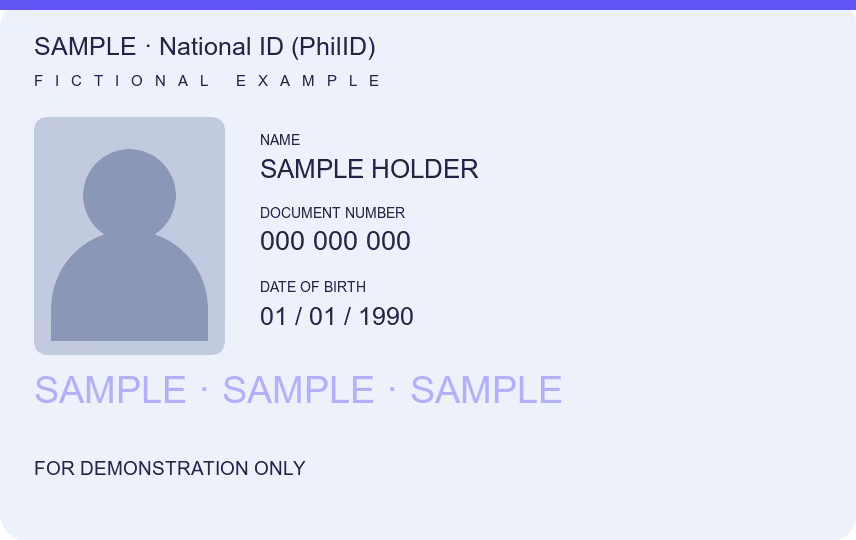
To put a watermark on a photo of your national ID, driver’s license or passport, open it here, type who the copy is for and why (up to 60 characters) and download it: the tool adds today’s date and keeps every detail readable. The Data Privacy Act asks that personal data be collected for a declared purpose, and a watermark writes that purpose on the copy itself. Send a marked copy only when the recipient accepts it.
You can download one document free every 24 hours across all tools in this browser. New documents after that require paid access.
How to put a watermark on a photo of your ID
- Open the photo of your ID, or a PDF of it. A photo taken on a table is cropped to the card’s edges and straightened. Add the back only if the recipient needs it.
- The Watermark field starts with “Exclusive use of …”. Finish it with the organization and the purpose, for example “Exclusive use of Example Lending, loan application” (a fictional company), within 60 characters. The tool adds today’s date.
- Pick a style and set Intensity, from Subtle to Intense, so the mark crosses the card while the name, number, photo and signature stay readable.
- Download JPG or PDF and check the saved file before you send it.
A watermark records whom you gave the copy to and why. It does not stop someone from photographing it again, and it does not make the copy official.
Why mark an ID copy before you send it
Lenders, employers, landlords, couriers and online sellers ask for ID photos every day, and those photos can be reused for another account or loan in your name. A copy that says “Exclusive use of” one company, for one purpose, on one date is harder to pass off somewhere else.
The Data Privacy Act of 2012, in Section 11, says personal information must be collected for specified and legitimate purposes, declared before or soon after collection, and must be adequate and not excessive for those purposes. Asking why a copy is needed, and writing that purpose on it, follows the same idea from your side.
| Who is asking | Before you send a marked copy |
|---|---|
| Employer or HR office | Mark it with the company and “employment requirements” |
| Lender or online seller | Ask why they need the ID; mark it with the company and the transaction |
| Government office | Follow its own process; it may need the original or a clean copy |
Some checks need an unaltered image: an online identity check that reads the card, or a form that says no marks. A National ID can also be verified online by registered relying parties through National ID eVerify, without any photocopy. Do not add a mark where the recipient asks for a clean copy.
A watermark keeps the details visible
The mark sits over the card; it hides nothing. If the recipient accepts a copy without some details, cover them with Redact PDF as a separate step. To put both sides of the ID on one A4 page for signing, use ID photocopy for signing; to make the marked file smaller for an upload, use Reduce PDF size.
- In: JPG, PNG, HEIC where your browser opens it, or PDF, up to 25 MB. A password-protected PDF does not open, and only the first ten pages of a PDF are used.
- Out: JPG, or a PDF with one image per page. Selectable text, form fields and digital signatures are not kept.
- Privacy: processing stays in your browser, with no upload or account; camera data is removed and your source file is not changed.
Common questions
How do I put a watermark on a photo for free?
Open the photo on this page, type who it is for and why, set the intensity and download. It is free, needs no account, and the photo is processed in your browser without an upload.
What should I write on my ID copy?
The organization and the purpose, such as “Exclusive use of Example Lending, loan application”. The tool adds the date, so the copy shows when you gave it.
Will a watermarked ID still be accepted?
Many recipients accept a marked copy, but some identity checks need the plain image. Ask first when the form or the office does not say.
Can a watermark be removed?
A determined editor can try, but the mark is burned into the pixels of the downloaded copy, so there is no separate layer to delete.
Is the watermark an official stamp?
No. It is your own label on a personal copy. It does not certify the ID or make the copy a certified true copy.
How many documents can I download for free?
One document is free every 24 hours across all tools in this browser. New documents after that require paid access. Examples do not count, and downloading a previously counted document again is free. Documents are processed locally; an internet connection is needed to activate or verify paid access.