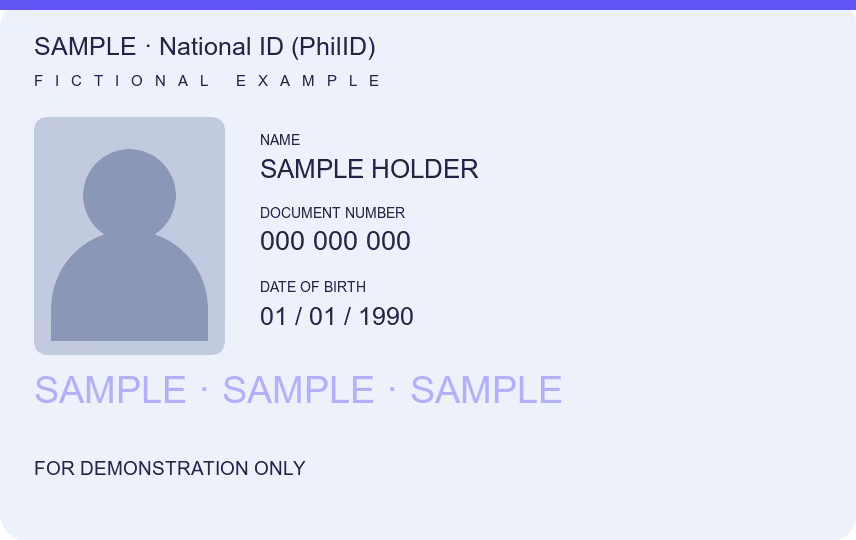
To reduce PDF size, open the scan of your national ID, passport or other document, set Maximum size to the limit the upload form states, and download a JPG or PDF that fits it. Check that every number and name is still readable before you submit. The limit is the portal’s, so read it on the form itself.
You can download one document free every 24 hours across all tools in this browser. New documents after that require paid access.
Reduce PDF size before you upload
Job portals, school admissions, loan apps and government e-services often refuse a scan above a set size. The limit belongs to each form, and it changes, so read it on the upload field before you shrink anything.
- Choose the PDF or photo: your national ID, driver’s license, UMID, passport or a document such as a certificate. Add the back if the checklist needs it.
- Crop away the table and rotate the copy upright. Cutting the background often saves more than making the writing smaller.
- Set Maximum size to the limit the form allows, or the next step below it. The default is 1 MB; smaller steps are there when the form asks for them.
- Choose JPG or PDF as the form requests, download and check the saved size. Zoom in on the ID number, name and dates before you submit.
If the target cannot be reached, the tool tells you the smallest result it managed. Try a clearer photo or a larger allowed size rather than sending a copy nobody can read. Here 1 MB is 1,000,000 bytes.
Keep what the recipient needs
Do not leave out a back side or a page to hit a smaller size. If the form wants both sides of an ID in one file, first put them together with ID photocopy for signing, then reduce that file. Add a watermark or hide details only when the recipient accepts a marked or edited copy.
A smaller scan is still a photocopy. Where an office asks for the original or a certified true copy, as the SSS Member Data Change Request does for birth and marriage certificates, a compressed scan does not replace it.
What the tool does to the file
Choose JPG, PNG, HEIC or PDF up to 25 MB. HEIC depends on browser support; choosing a photo from the iPhone library can provide JPG. Only the first ten pages of an input PDF are used. The output is JPG or an image-based PDF: selectable text, form fields and digital signatures are not kept. Keep the original when those features matter.
Processing stays in your browser, with no document upload or account. The downloaded copy removes camera metadata and leaves your chosen source unchanged.
Common questions
How do I reduce PDF size for free?
Open the PDF here, set Maximum size to the limit of your form and download. No account is needed and the file is not uploaded.
What size should my scan be?
The size the upload form states. This page does not set one for every portal; 1 MB is only the starting step.
Will my PDF keep its text?
No. Pages are redrawn as images, so text cannot be selected and digital signatures are not kept. Keep the original PDF when those matter.
Can it reduce a photo of my ID too?
Yes. Choose the JPG or HEIC photo, crop it to the card and download a JPG or PDF under the limit.
How many documents can I download for free?
One document is free every 24 hours across all tools in this browser. New documents after that require paid access. Examples do not count, and downloading a previously counted document again is free. Documents are processed locally; an internet connection is needed to activate or verify paid access.