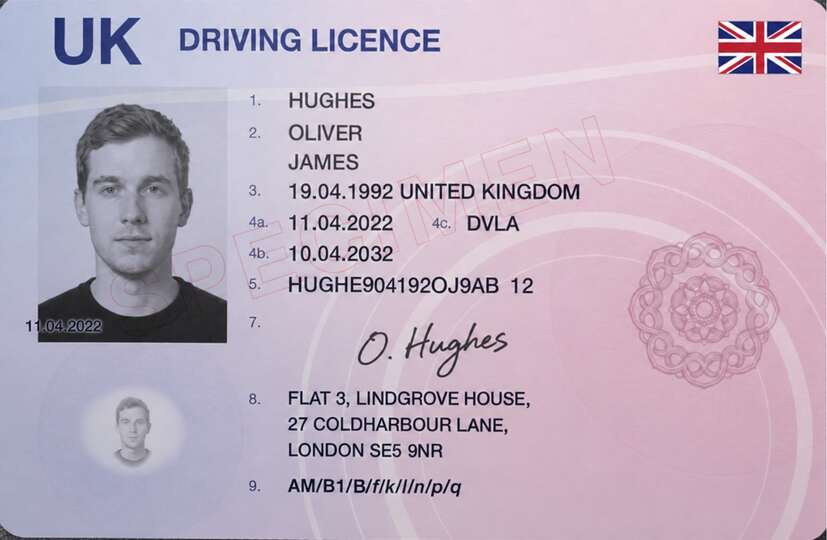
To watermark a PDF, open it on this page, type who the copy is for and why (up to 60 characters), and download it: the tool adds today's date and repeats the text across every page. The file stays on your device and is never uploaded. It works the same on a photo or scan of a passport or driving licence.
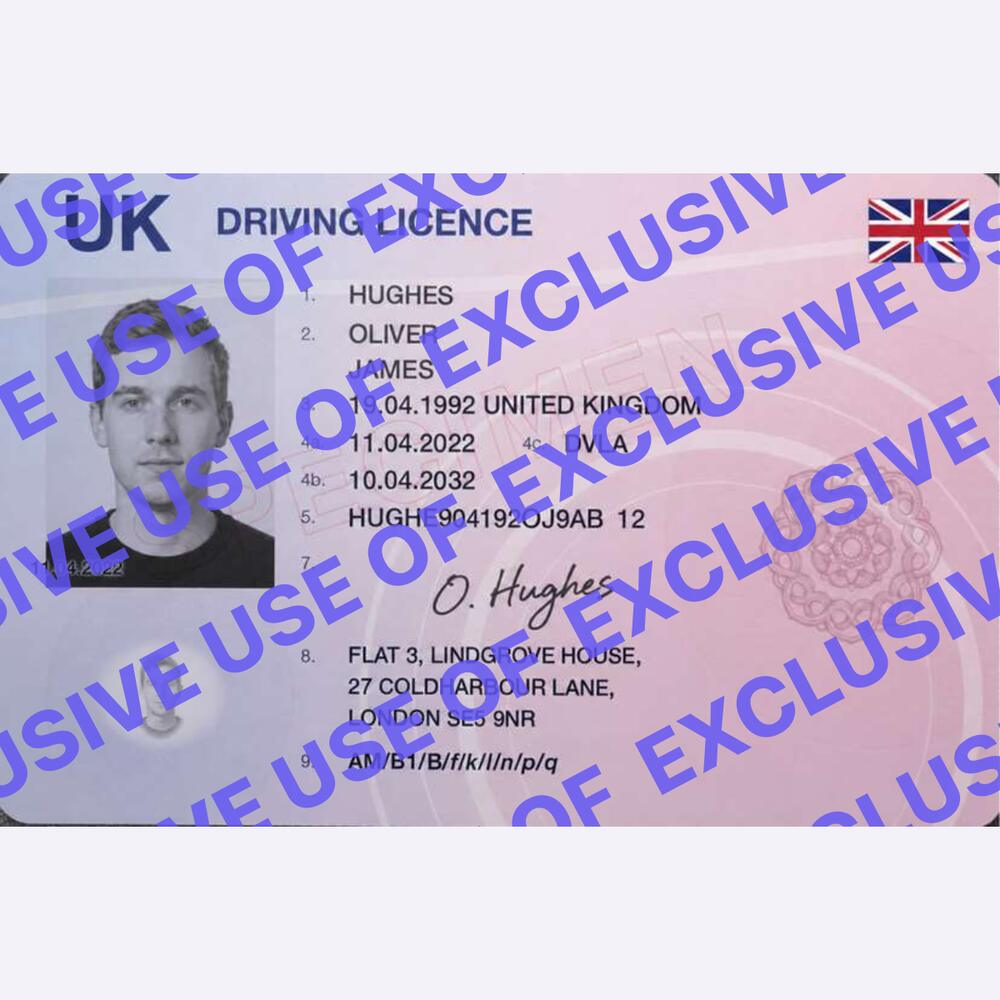
How to add a watermark to a PDF
- Open the PDF, or a photo or scan of the document. A photo taken on a table is cropped to the document's edges and straightened; use Rotate if it is sideways. Add the back only when the recipient needs it.
- The Watermark field starts with "Exclusive use of …". Complete it with the recipient and purpose, or replace it, within 60 characters. The tool adds today's date to the fine print.
- Pick a style (Engraved, Diagonal band, Text mesh or Seal) and move Intensity from Subtle to Intense until the mark is plain but every required detail still reads. Balanced is the default.
- Download as PDF or JPG and open the saved file before you send it. Your original is not changed.
What to write for each recipient
| Who asked for the copy | Example watermark (fictional names) |
|---|---|
| Letting agent | Exclusive use of Oakfield Lettings, tenancy |
| Employer | Exclusive use of Northgate Ltd, right to work |
| Data access request | Exclusive use of Cedar Records Ltd, SAR |
| Any office document | Draft, for internal review only |
Replace the example names with the real recipient. A watermark states the intended use; it does not prove who asked for the copy or stop someone from reusing it.
Watermark a document copy only where it is accepted
The ICO's subject access request page lists a copy of a passport or driving licence as proof of ID, and says nothing about watermarks either way; the ICO also notes that this guidance is under review after the Data (Use and Access) Act. Ask the organisation whether a marked copy is fine before you send one.
For a right to rent check in England, GOV.UK says British and Irish citizens show their landlord a document, and others can use a share code or their original immigration documents; you choose which option. A marked personal copy does not replace that check or an original where one is required.
A watermark leaves the details underneath readable. To leave out fields the recipient agrees it does not need, use Hide details. For both sides on one sheet, prepare the PDF. If the attachment must be smaller, compress it after marking and recheck that it reads.
What goes in and what comes out
- In: JPG, PNG, HEIC where your browser opens it, or PDF, up to 25 MB. A password-protected PDF does not open, and only the first ten pages of a PDF are processed.
- Out: JPG, or a PDF made of one image per page. Selectable text, form fields and digital signatures are not kept, so keep the issued original when those matter.
- Every copy: the watermark is drawn into the pixels, and location and other photo data are removed; without paid access, it also has a small credit line at the foot.
- Privacy: the file is read and marked in your browser, with no upload or account, and once the page and its processing resources have loaded, processing can continue offline.
The UK ID-sharing guide helps you judge the request before you send any copy.
Common questions
How do I watermark a PDF?
Open the PDF on this page, type the recipient and purpose in the Watermark field, choose an intensity and download. It needs no account, and the PDF is processed in your browser without an upload.
Is a watermarked copy still accepted?
That is the recipient's call. UK guidance such as the ICO's lists which ID copies it takes but does not mention watermarks, so ask first and keep names, photo and numbers readable.
Is this the same as a passport's built-in watermark?
No. This tool adds visible wording to a sharing copy. It does not reproduce a passport security feature, certify a document or create an official stamp.
Can a watermark be removed?
The mark is drawn into the image rather than layered on top, but any picture can be edited. It makes the intended use visible; verify the request and send only what is needed.
PDF or photo: which should I send?
Send what the recipient asked for. Both get the same watermark. A PDF from this tool holds page images, so its text is not selectable and any digital signature is lost.
Can I watermark both sides?
Yes. Add the back as a second side and inspect both in the saved file. Do not send an extra side merely because the tool supports it.